
Source to document
Turn a source into a readable document
Recap organizes material you already have into a structured document that is easier to read, judge, and use.
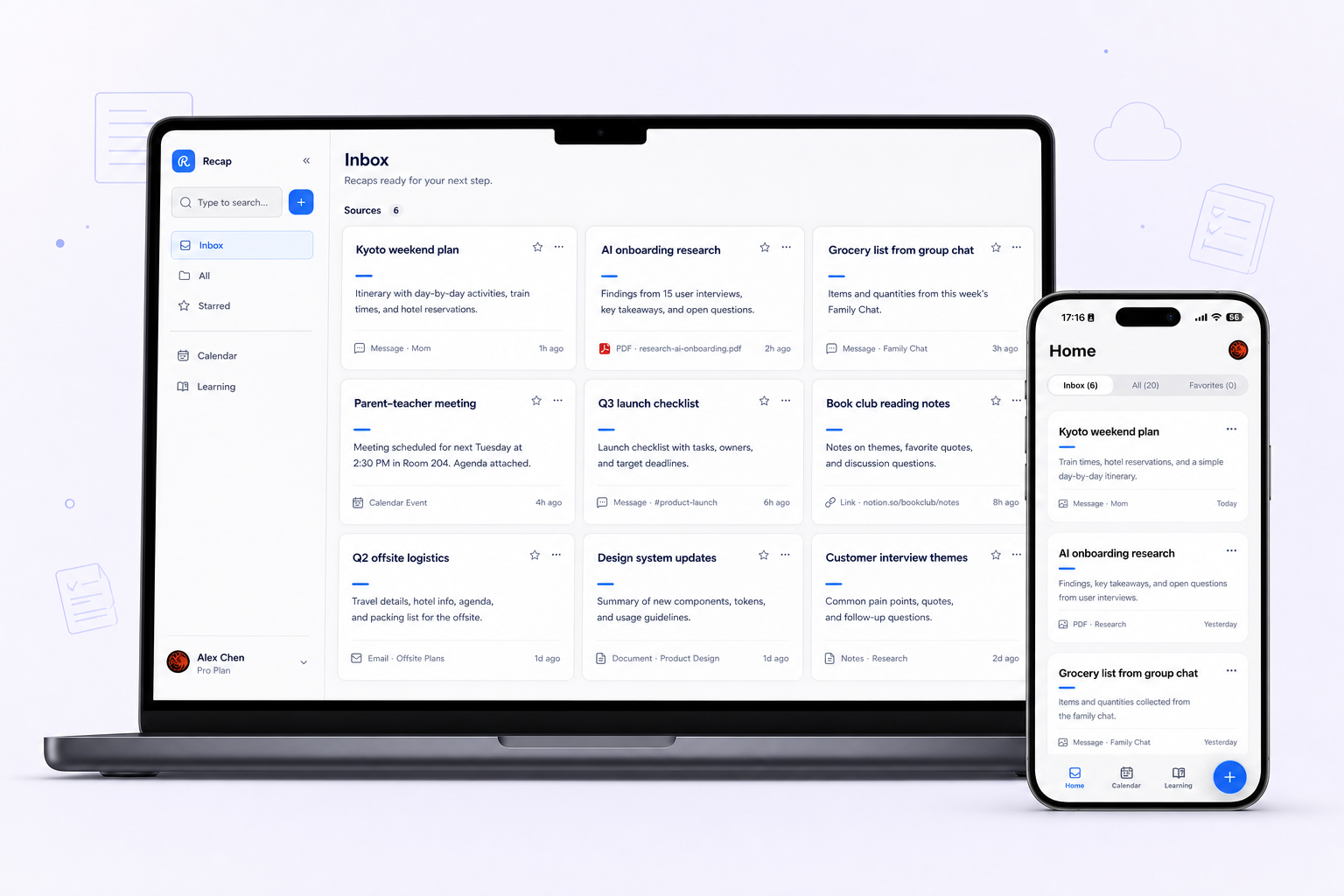
What it helps with
A clearer way to inspect the material.
- Separate key points from supporting detail
- Choose the document mode that fits the source
- Keep Calendar, Workspace, and Learning ready as next steps
Keep the boundary clear
What it does not do
Recap does not replace your calendar, notes app, workspace, or task manager.
Bring in
Sources you already have.
- Webpages
- PDFs and documents
- Images
- YouTube videos
- Presentations
Recap Document
A document mode that fits the source.
- Action
- Decision
- Understanding
- Reference
How it works
From source to a useful next step.
- 01
Bring in one source
Add a webpage, document, image, YouTube video, or presentation to Recap.
- 02
Read the Recap Document
Recap organizes the source into an Action, Decision, Understanding, or Reference document.
- 03
Choose the next step
Send time-based details to Calendar, export the document to Workspace, or start PBL Learning.
Keep exploring
More ways to work with a source.
Recap tool
Text Simplifier
Make dense source material easier to understand by turning it into a structured readable Recap Document.
Open toolRecap tool
Screenshot to Calendar
Turn time-based details in a screenshot into a reviewable Calendar Sheet before sending them to your calendar.
Open toolRecap tool
Source to Workspace
Turn a source into a structured Recap Document and export it to the notes or workspace tools you already use.
Open toolFrom the journal
Read the deeper guide.
Guides and Tutorials
Handle Conflicting Statements Within One Source
Compare conflicting statements in one source, preserve both locations, and ask a precise question before choosing an answer.
Guides and Tutorials
Check PDF Page Numbers Before Citing Your Notes
Check printed PDF page numbers against physical page positions, then record a clear locator that helps readers find the passage you used.
Guides and Tutorials
Separate Quotes, Paraphrases, and Inferences in Notes
Distinguish a quotation, paraphrase, and inference in your notes using one worked source passage and a practical evidence register.
Guides and Tutorials
An Evidence Locator Template for Structured Documents
Use a source evidence locator template to record page numbers, timestamps, note status, scope, and the questions that still need checking.
FAQ
Questions before you start.
Ready when you are